From 6 websites to 1

A centralized website that takes all Sheridan events from multiple organizations in one place.

Role
Product Designer & Full-Stack Developer
Team
2 Designers/Developers, 1 Business Lead
Timeline
~3 days
Platform
Web Application
Try it yourself

00 — Summary

  • 01 The problem

    Sheridan events were scattered across 6 websites, so students missed them.

  • 02 The solution

    One website that collects all 6, filterable by date, campus, organizer, time and tag.

  • 03 The result

    Designed and built in about three days, live with real campus event data.

01 — The Problem

Events nobody heard about

01

6 websites, no shared feed

Each organizer only shows its own events.

02

Every site works differently

A calendar, a ticketing page, a poster grid.

03

Need to know where to look

Smaller sites only reach students who know they exist.

02 — Proof of Concept

We started by doing it by hand
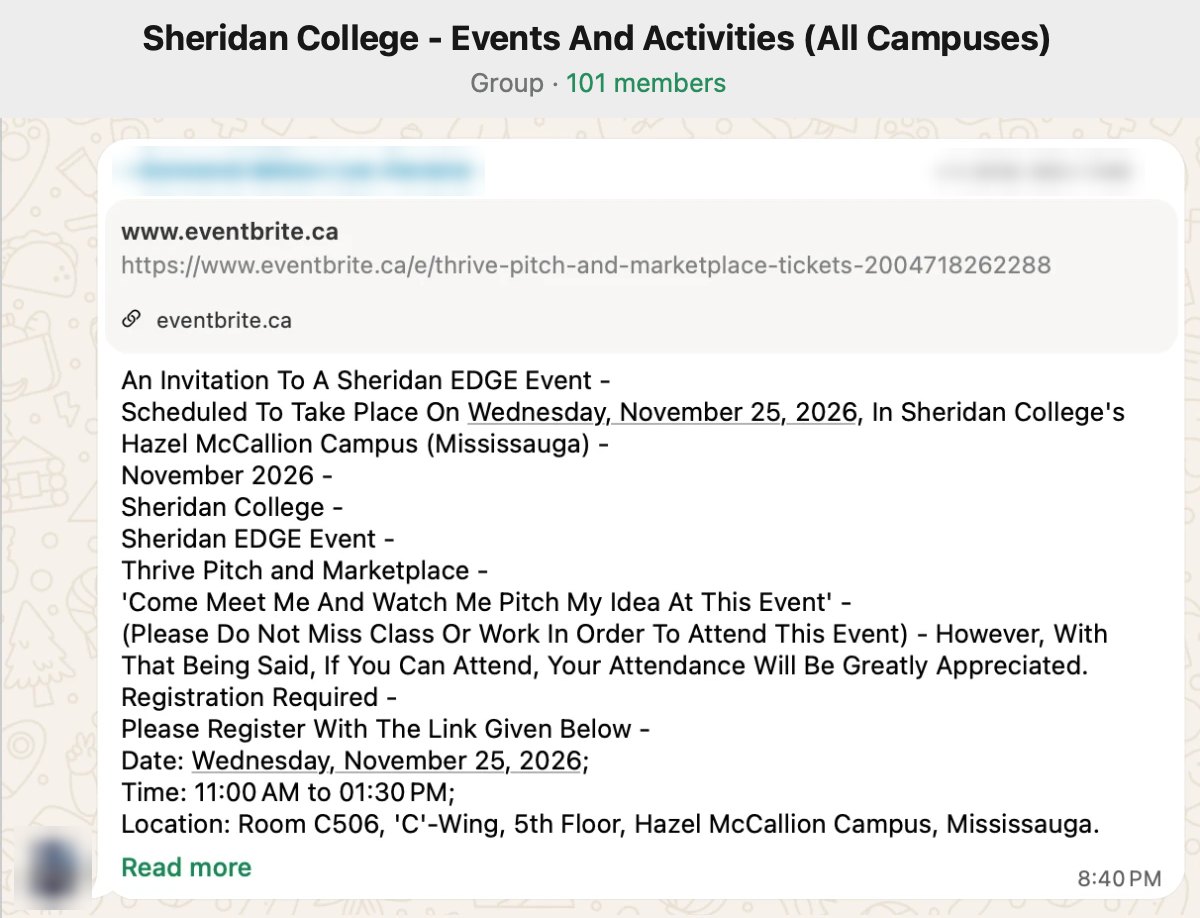
The Sheridan College Events and Activities WhatsApp group, 101 members, with a hand-copied post for a Sheridan EDGE event: date, time, room and an Eventbrite registration link. Names and phone numbers are blurred.

We ran a WhatsApp group and copied events into it every morning. 100+ students joined. The demand was real, and doing it by hand wasn't sustainable.

03 — The Insight

The events were already online. We just needed to collect them automatically

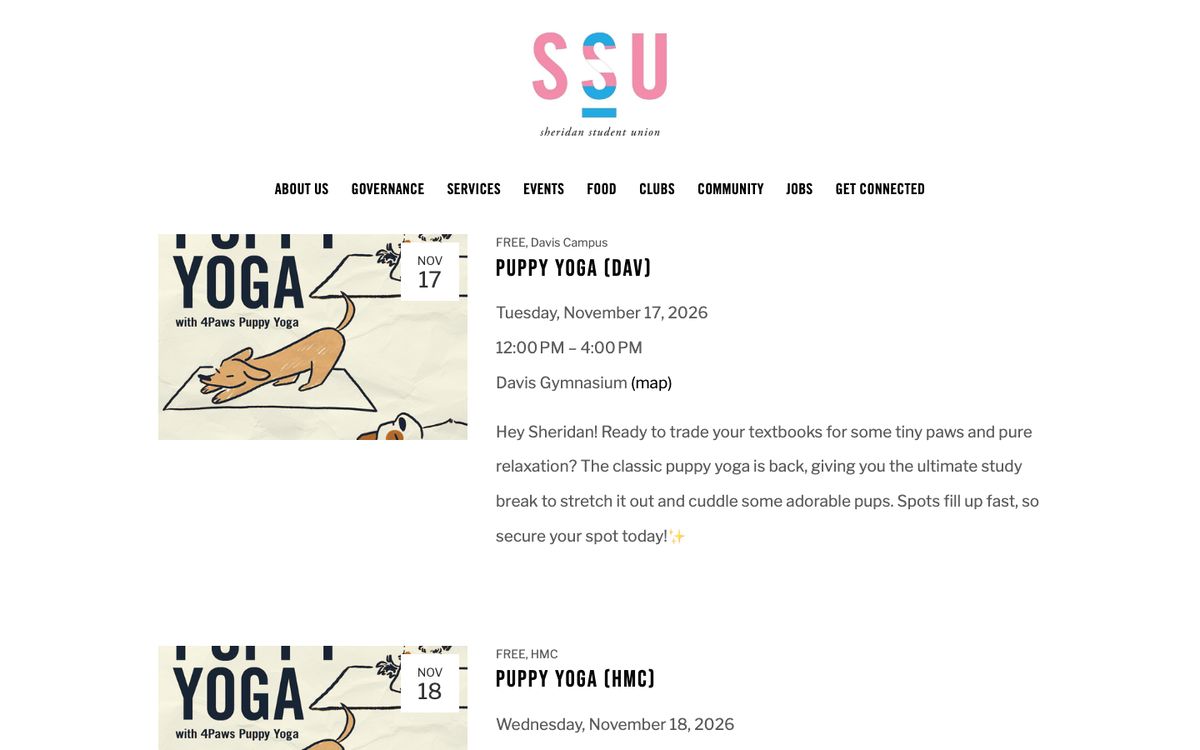
  • SSU website events page listing Puppy Yoga sessions. SSU · thessu.ca
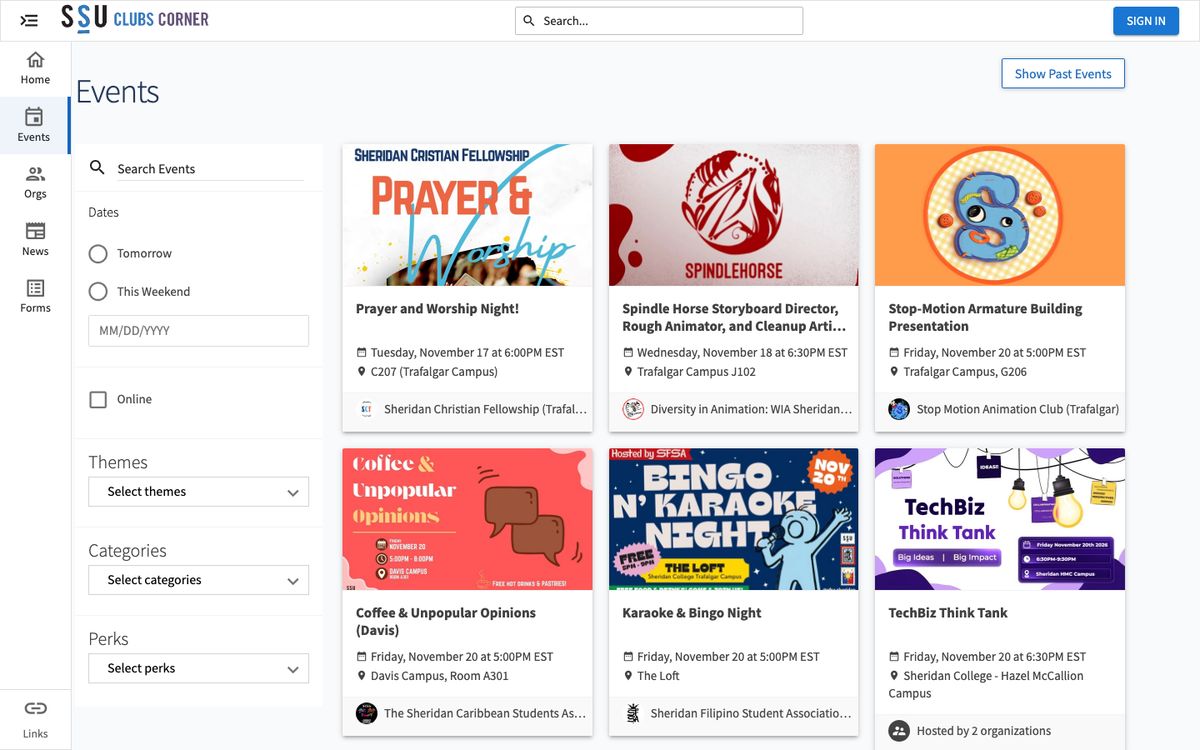
  • Clubs Corner on Campus Labs Engage, a grid of club event posters. Clubs · SSU Clubs Corner
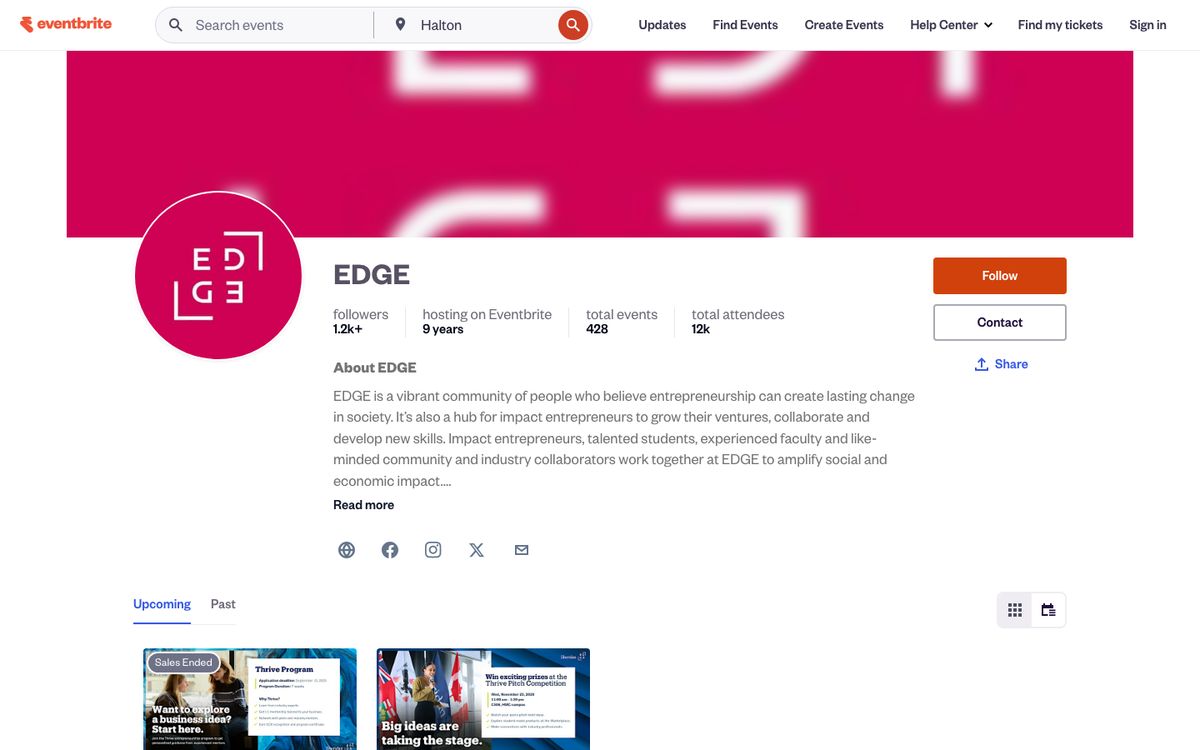
  • EDGE organizer page on Eventbrite. EDGE · Eventbrite
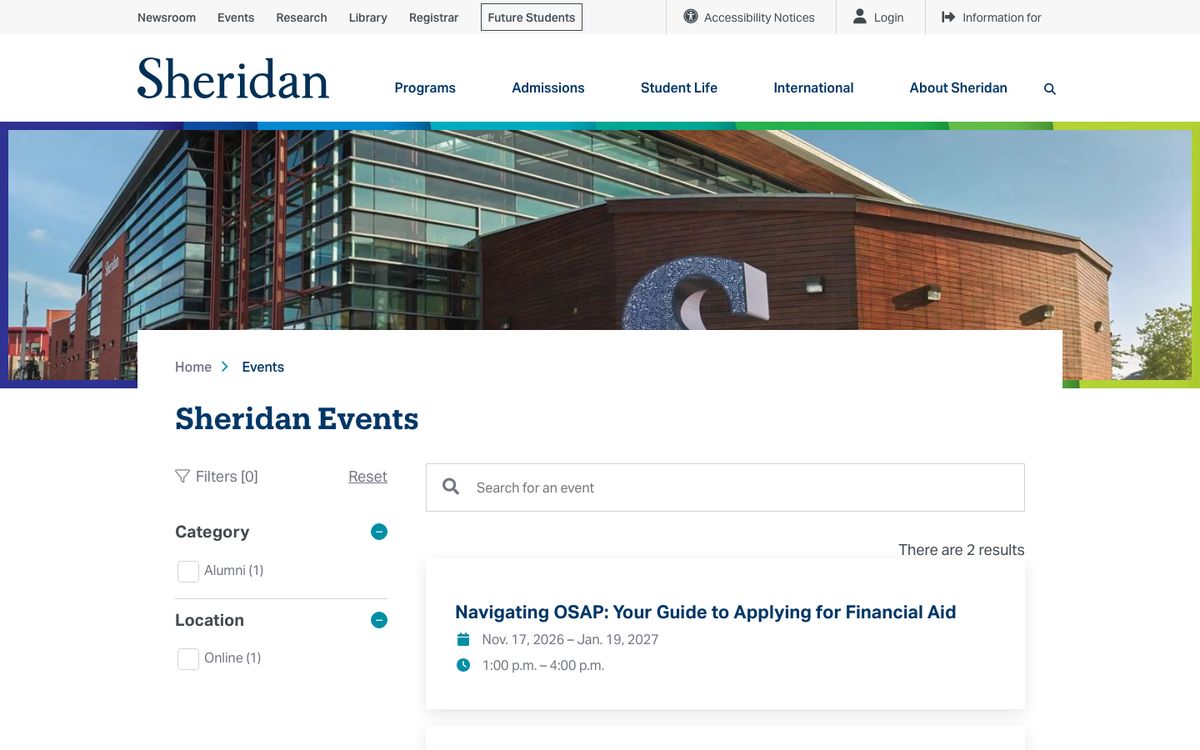
  • Sheridan College events page with filters and two results. Sheridan College · sheridancollege.ca
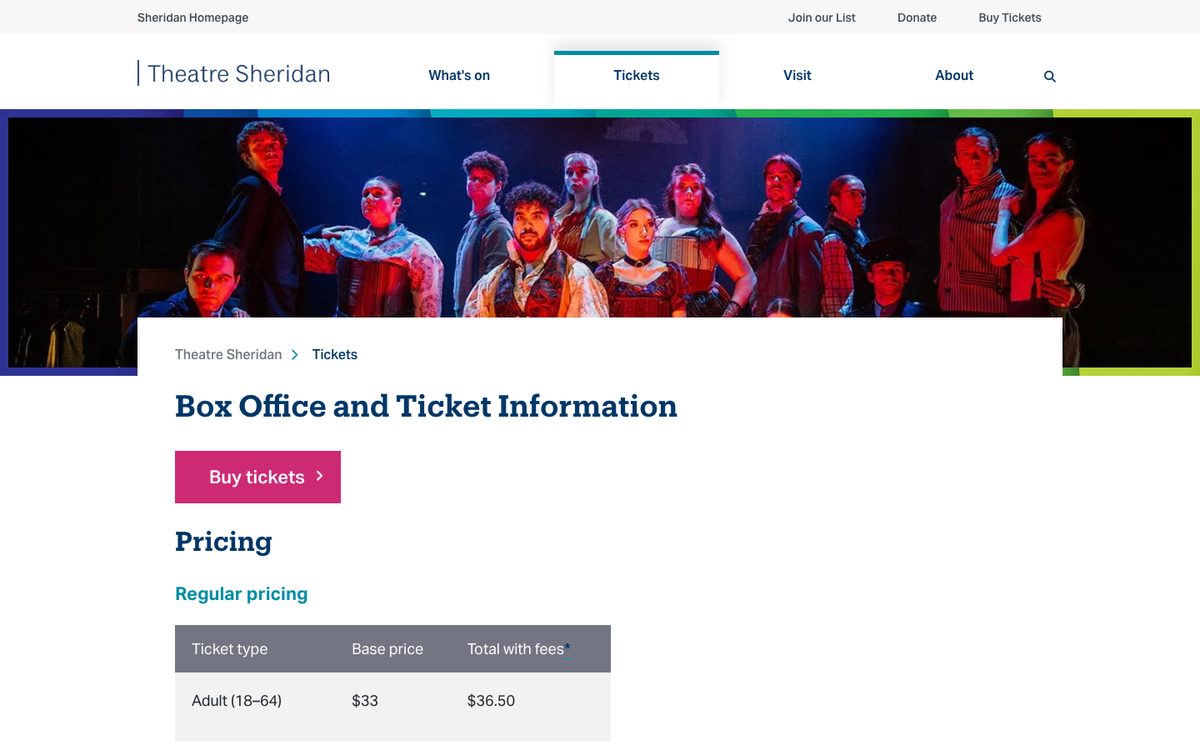
  • Theatre Sheridan box office and ticket information page. Theatre Sheridan · sheridancollege.ca/theatre
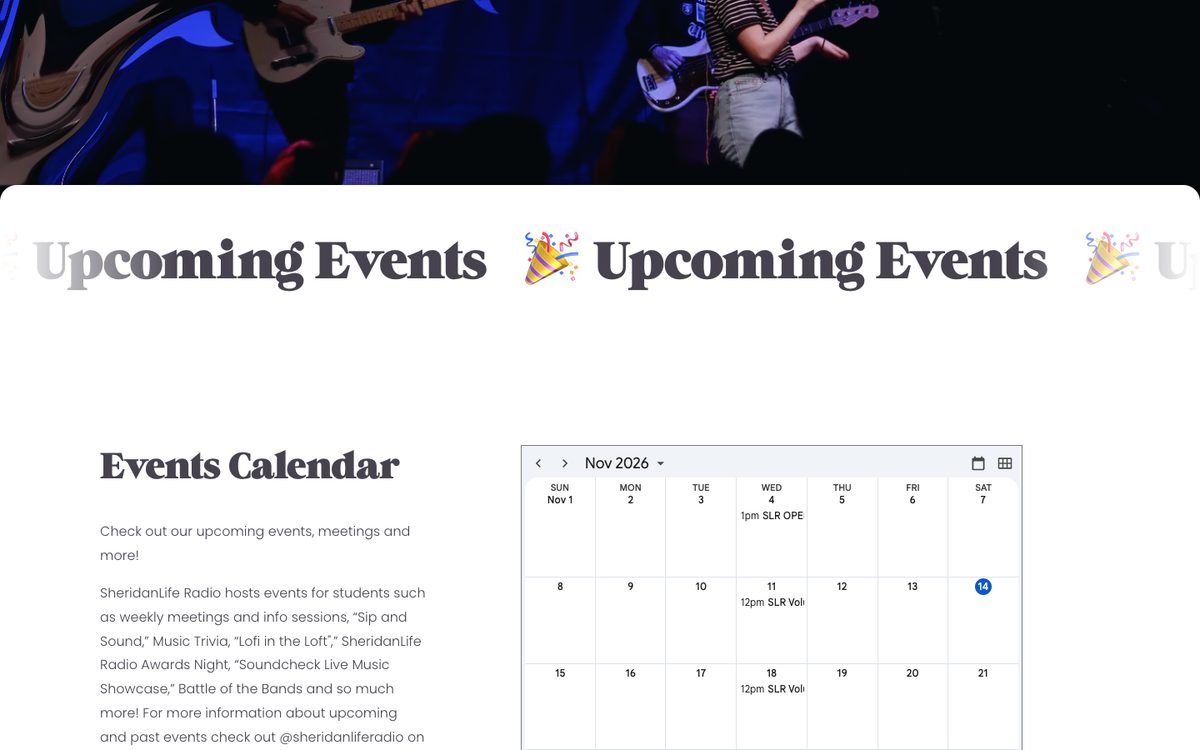
  • SheridanLife Radio events page with an embedded Google Calendar. SheridanLife Radio · sheridanliferadio.ca
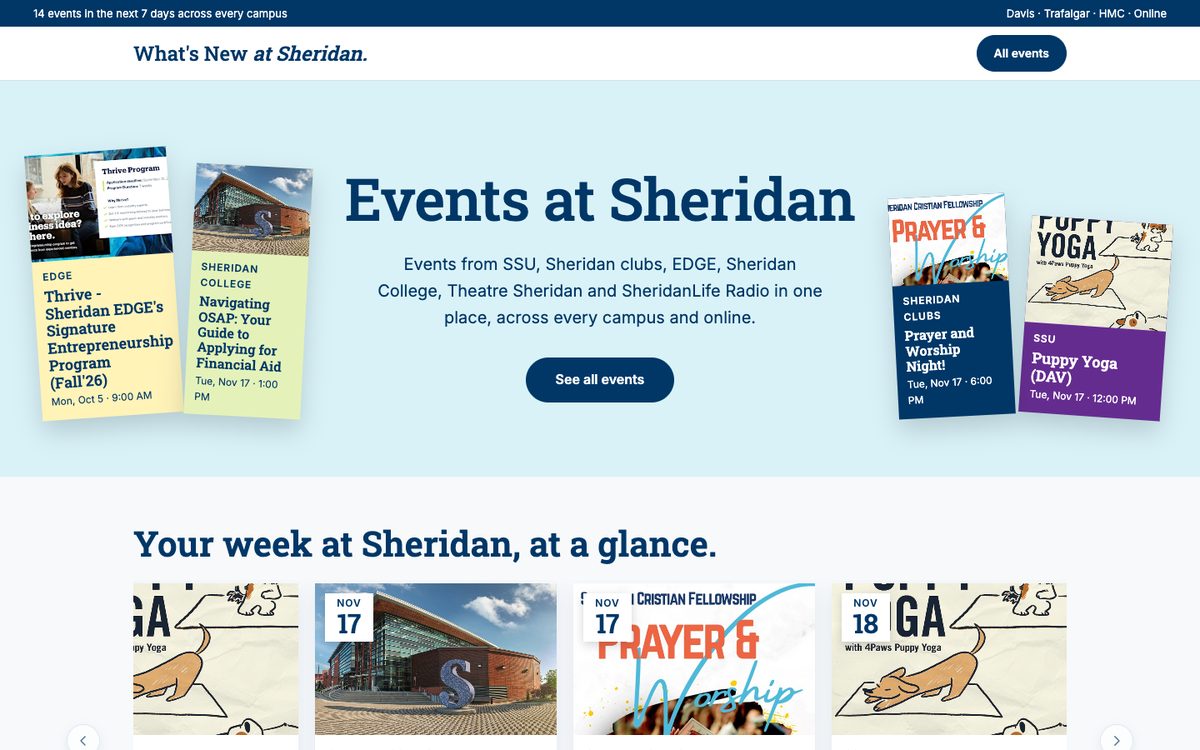
Sheridan Events home page: event posters from every organizer around the headline Events at Sheridan, and this week's events below.

04 — Design Decisions

Three decisions that shaped the product

1Filters

Filters stack, so you can narrow by organizer, campus, time and tag at once.

Find your next event: quick views All, Today, This week and This month, plus Organizer, Campus, Time of day and Tags filters, showing 21 events.

2Cards you can scan in a second

Every card tells you: who, when and where.

Event card for Thrive, Sheridan EDGE's entrepreneurship program: an OCT 5 date badge, the EDGE organizer tag, date, time and location, and a View on EDGE link.
  1. Date badge: the first thing your eye lands on.
  2. Organizer: who's hosting, so you know the vibe.
  3. Date, time & where: in the same order on every card.
  4. Organizer link: full details stay on the source site.

3Discover only

To deploy it quickly, we focused on the MVP. We cut things like accounts and RSVPs, and focused on the core problem.

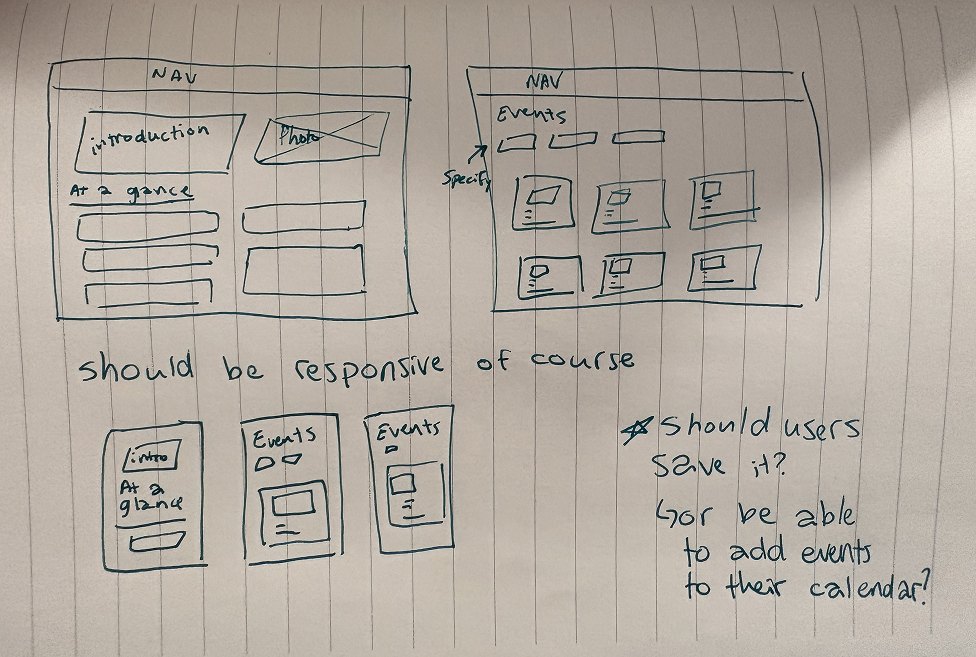
  1. Pen sketch on lined paper: a home page with an introduction, photo and an at-a-glance list; an events page with filter chips above a grid of cards; three phone layouts; and a note asking whether users should save events or add them to their calendar.
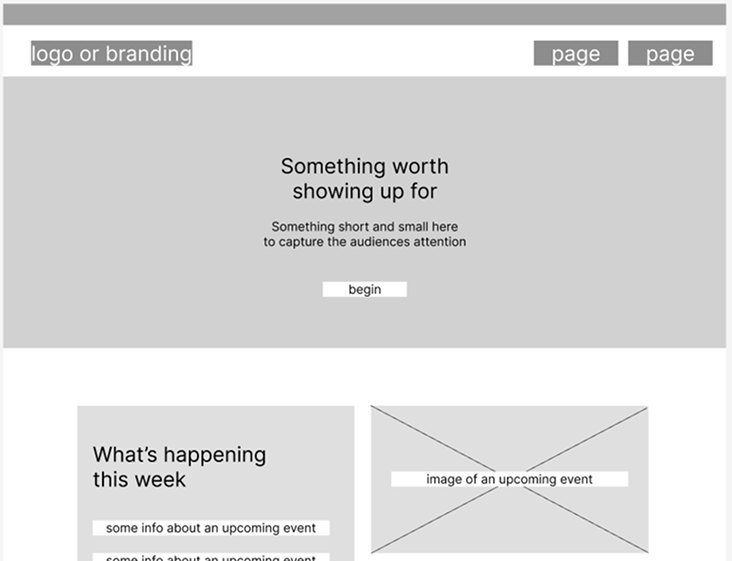
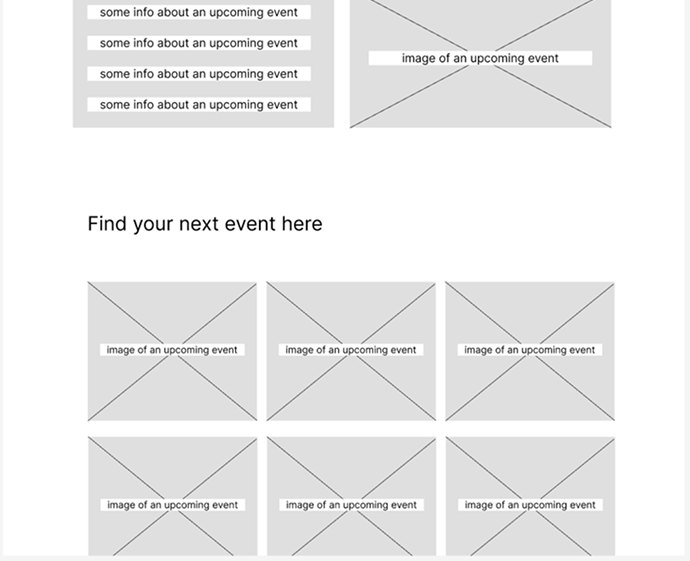
  2. Grey wireframe: a nav bar, a hero reading Something worth showing up for with a begin button, then a What's happening this week block beside an event image. Grey wireframe continued: the end of the this-week block, then Find your next event here above a grid of six event image placeholders.
  3. Students asked for reminders, so every event got an Add to Calendar button.
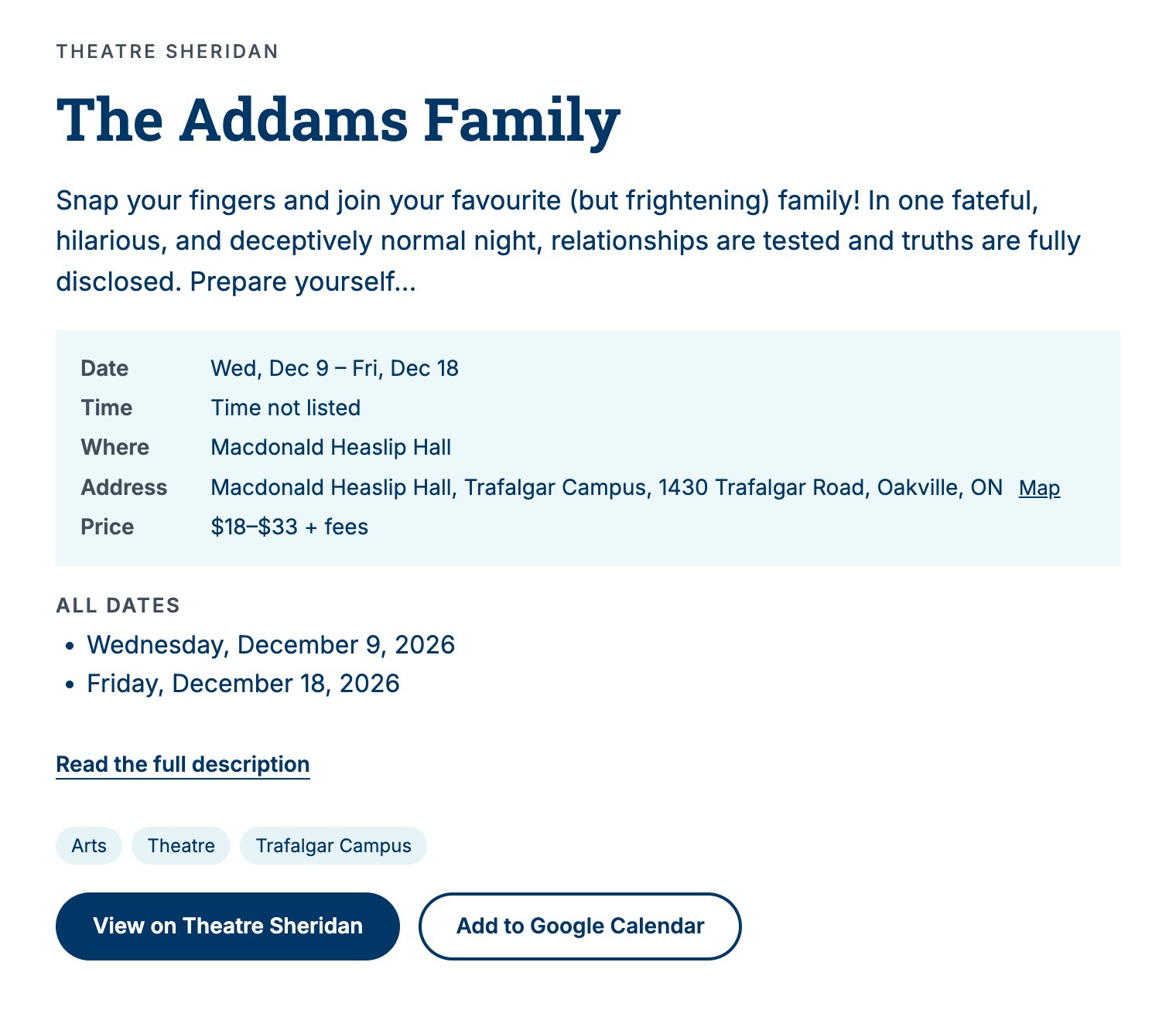
    The live site's details view for The Addams Family: date, time, venue, address and price, all dates, tags, and two buttons, View on Theatre Sheridan and Add to Google Calendar.

    A student

    Could you please remind us of the events the day before they occur?

    Thank you again for these messages. You make Sheridan a great place to be! ❤️ ☺️

    6:34 PM
    From our WhatsApp group

05 — Reflection

What I'd carry forward

Shipping beats polishing. Real events allowed students to start using the site, and provide direct feedback a mockup never would. I was able to fix/tweak things in the same day.

What's next

Track which filters students use most, then test a few styles, like sliders, dropdowns and chips, to see which one students prefer.